
plone-client: in your scripts, in your terminal, in your assistant
plone-client is a Python library, a command line and an MCP server for Plone sites. Its second alpha is out.
I am at the Axolote Sprint in Oaxaca, Mexico, and the first thing I shipped here is plone-client: a Python package to talk to Plone sites through plone.restapi. You can use it as a library in your scripts, as a command line in your terminal, or as an MCP server in your AI assistant.
The first alpha came out early in the sprint, and the second, 1.0.0a2, is already on PyPI. And this post is its first real-world test: I did not paste it into a form, an assistant created it on ericof.com through plone-client.
The same script, over and over
A lot of my projects need to push content into a Plone site from somewhere else.
For pythoncerrado.org, the talks, keynotes and presenters live in talks.python.org, which has an API. A script reads them from there and creates the matching content on the conference site. For ericof.com, every time I finish a daily sketch, I want it published, with its image, on the site.
Each time, I wrote the same Python code again: authenticate against the remote site, create the content, upload the files, publish. Slightly different each time, and with the same bugs fixed in different places.
A library that speaks plone.restapi
As a library, plone-client gives you one client per site, with one manager per plone.restapi service: client.content, client.workflow, client.search, client.users, and so on. Each method sends what plone.restapi documents and returns what the site answers. There is no object model on top of the JSON to fall behind your content types.
It follows plone.restapi one to one, and the documentation has a map to @plone/client, the JavaScript client used by Volto. If you know one, you can find your way in the other.
from plone_client import PloneClient
from plone_client import blocks

with PloneClient("https://example.org", username="editor", password="secret") as client:
    page = client.content.create(
        "/news",
        "Document",
        title="Hello, Plone",
        **blocks.build(blocks.title(), blocks.description(), blocks.text("It works.")),
    )
    client.workflow.transition(page["@id"], "publish")
On top of the managers there are operations: tasks that need several requests in the right order. Create a page from Markdown. Create a News Item together with its images, and set its lead image. Upload a local folder keeping its structure. Each one supports a dry run, and each one reports every request it sent, so when something fails half way you know exactly what was already created.
It works with Plone 6.0, 6.1 and 6.2, and needs Python 3.11 or later.
A command line, without passwords lying around
The second thing I wanted was a command line I could use in my own daily work. Which items are waiting for review on this site? What changed this week? Can I reset this user's password without opening a browser?
The catch: I manage many sites, and I did not want a file full of passwords sitting in my home directory. So plone-client organizes sites as named profiles. A profile has a URL and a username, and its password lives in the operating system's keyring (or comes from a password manager command, or from an environment variable in CI). The configuration file can be copied, synced and pasted into a chat without leaking anything.
plone-client profile add prod --url https://example.org --username editor --read-only
plone-client -p prod search -t "News Item" --state published --limit 10
That --read-only is worth a second look: every change to that profile is refused before a request is sent. Production becomes safe to explore.
Output is JSON, and each kind of error has its own exit code. That makes the command line just as useful for shell scripts and for coding agents as it is for people. There is even an agent skill, installed with plone-client skill install, that teaches agents such as Claude Code the conventions of Plone and Volto, and the habits of a careful editor.
And then, an MCP server
The MCP server was not in my plan. It was a suggestion from Claude Code, while we were working on the command line: chat assistants have no terminal, so the command line is out of their reach, but the same library and the same profiles could serve them as well.
So plone-client mcp exists. It serves one profile, a group of profiles, or all of them, and the passwords still stay in the keyring.
It does not expose one tool per service. plone.restapi has more than a hundred of them, and models choose worse from long lists. Most real tasks also need several requests in a particular order. So the server offers a short list of tools: the everyday reads, the operations I described above, and one generic tool for anything else. The knowledge of how to do a task lives in code, not in the prompt.
The second alpha grew that set where assistants needed it. They can edit the blocks of a page one at a time instead of resending all of them, see which workflow transitions an item allows, look up the valid values of a field, and manage translations and working copies. If the list is still too long for a task, --tool offers only the tools you name. And plone-client mcp --http serves assistants that connect to a URL instead of starting a command, with a bearer token kept in the keyring.
And plone-mcp?
If you follow the Plone community, you know there is already an MCP server for Plone: plone-mcp, published on npm as @plone/mcp. It is released, it is under active development by a growing group of contributors, and new tools land with every alpha: working copies, translations, copy and move. It is the easiest way to let an assistant drive a Plone site, with nothing to install but Node.js.
plone-client comes from the other direction. It started as a Python library for my scripts, and the MCP server is a front door to that same code. If you write Python against Plone sites, or you want your assistant and your scripts to share profiles and safety switches, it may fit you better. Otherwise, plone-mcp is a great place to start. Having both is a good problem for a community to have.
This post is the demo
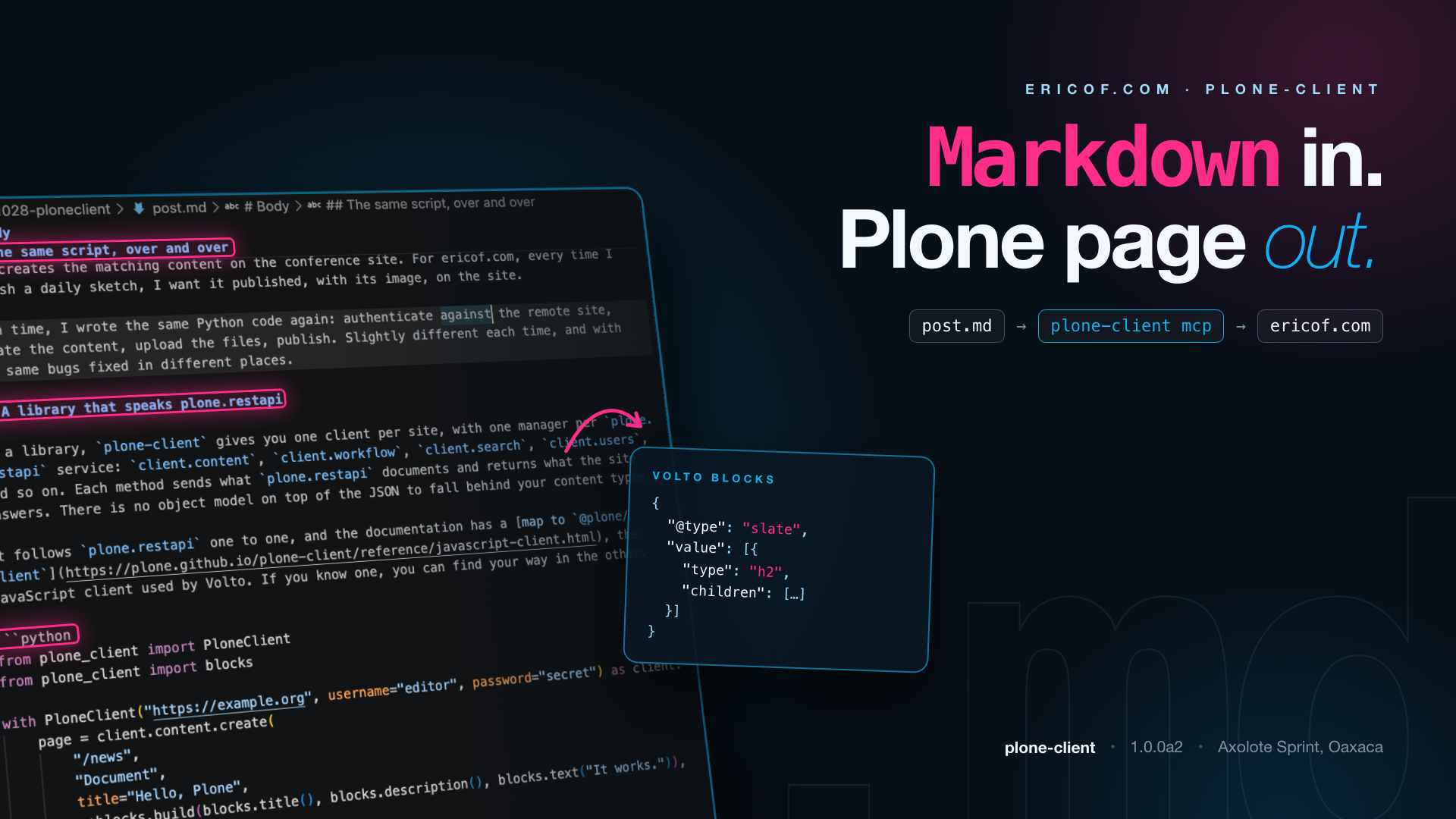
This post was written in Markdown, in a local folder on my laptop. To publish it, I asked an assistant connected to plone-client mcp to create it on ericof.com. The create_page tool turned the Markdown into Volto blocks, with collective.html2blocks doing the conversion, and created the page in one step: as a blog Post, not a plain page, with the image above as its lead image, and with every code fence as a real code block.
Doing it for real paid off right away. The first attempt found what the first alpha could not do yet: choose the content type, upload the lead image together with the page, and turn code fences into code blocks. Each became an issue, and each is fixed in the second alpha (the last one in collective.html2blocks). No copying and pasting into the editor. No re-formatting the code blocks by hand. The first real use of the MCP part is the post announcing it.
Try it
uv add plone-client                             # the library
uv tool install "plone-client[cli]"             # the command line
uv tool install "plone-client[mcp,markdown]"    # the MCP server, with Markdown pages
The markdown extra needs Python 3.12 or later.
To give Claude Code access to a site, add a profile and register the server with it:
plone-client profile add blog --url https://example.org --username editor
claude mcp add plone-blog -- plone-client mcp --profile blog
Pass --scope user to claude mcp add to make the server available in every project.
Code in Markdown becomes text unless the site has the codeBlock block. If yours does, turn it on in the profile, in ~/.config/plone-client/config.toml:
[profiles.blog.blocks]
codeBlock = { style = "dark" }
The documentation has tutorials, how-to guides for syncing content, managing profiles and connecting assistants, and an explanation of when to use the library, the command line or the MCP server.
It is an alpha, so the API can still move. If you try it, tell me what breaks on the issue tracker. And thanks to everyone here at the Axolote Sprint for the company and the ideas.